excel怎么设置不打印彩色颜色
时间:2024-06-22 16:52:36
来源:网络
浏览:2次
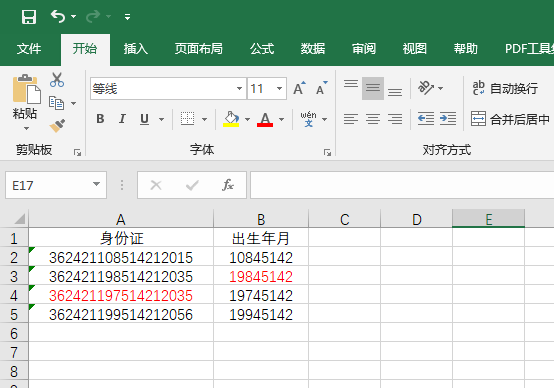
1、打开EXCEL软件,打开要打印的表格。
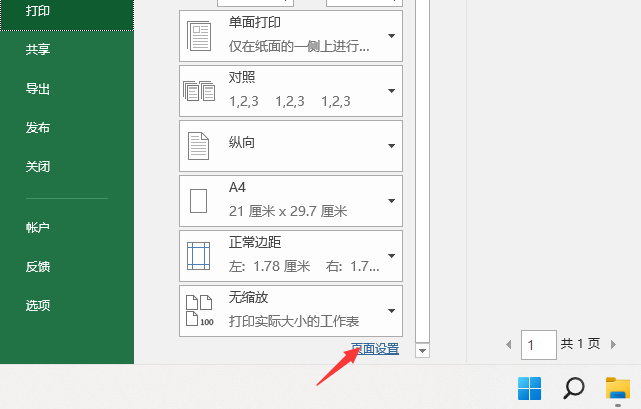
2、点击文件菜单里面的打印。

3、点击打印里的页面设置。
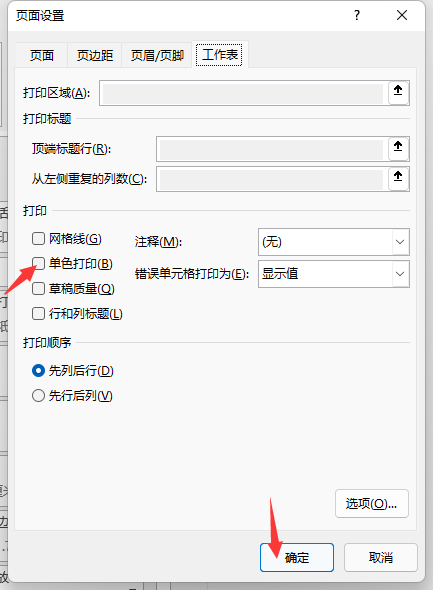
4、在打印这一项里面,勾选单色打印,点击确定。
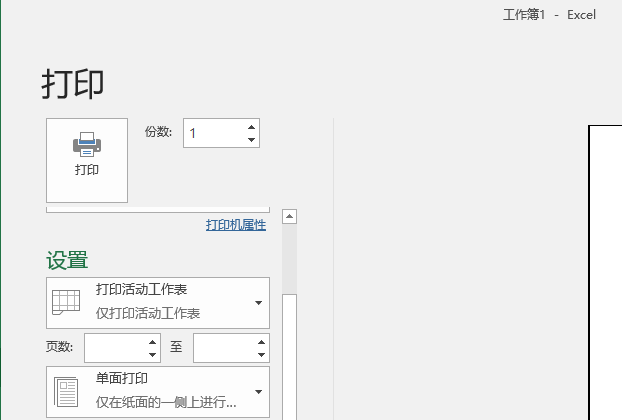
5、然后就不会打印彩色,只打印黑色。

1、打开EXCEL软件,打开要打印的表格。
2、点击文件菜单里面的打印。
3、点击打印里的页面设置。
4、在打印这一项里面,勾选单色打印,点击确定。
5、然后就不会打印彩色,只打印黑色。